 Home |
 Reg Season |
 Contests |
 |
 How to Play |
 Rankings |
 My Leagues |
How do I login with my username and passwordDetail: Standard log in with your username and passwordStep 1:Click on 'Login' on the green menu bar which should appear if you are not already logged in. You must be registered to login.Step 2:Enter your username and password. This detail may pre-fill data from your browser if you choose to use that functionality but MatKings.com doesn't control that. If you are coming over from FantasyGrade.com your username & password will work here.Step 3:Click Login and you will see a green message if you were successful and a red message if you credentials did not match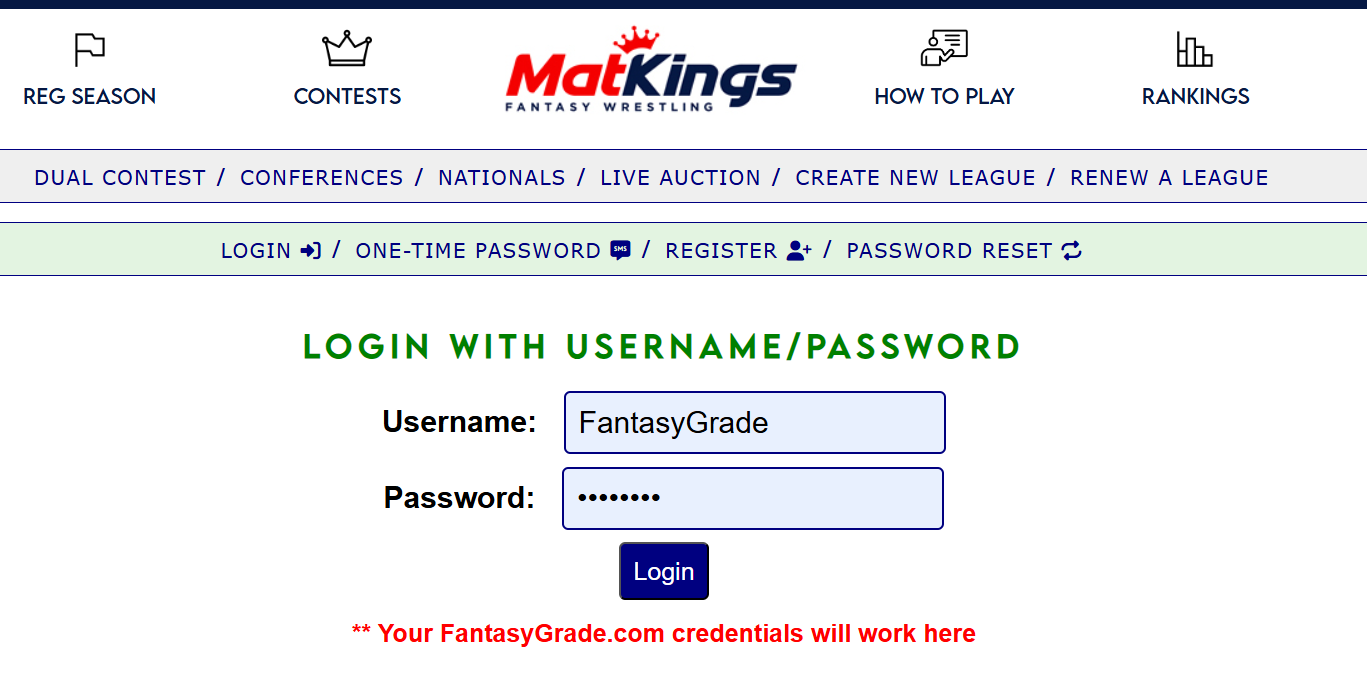 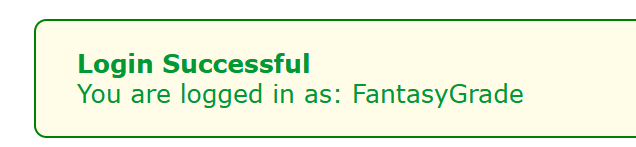  How do I log out?Detail:Step 1:If you are logged in you will see a red Logout icon in the page footer. click that and you will be logged out. 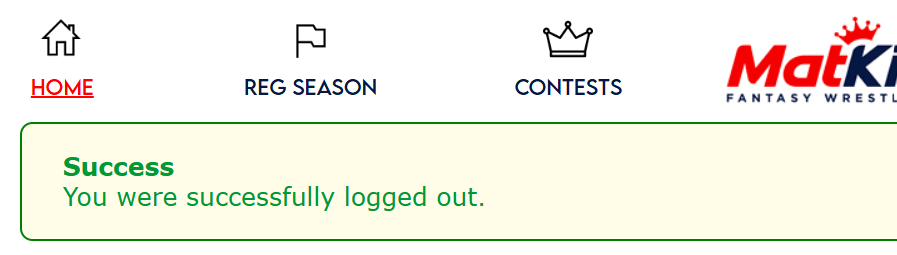 What if I forgot my password?Detail: Password resetStep 1:Click the Password Reset option in the green menu bar - if you do not see the green bar then you are logged in. Enter the email address you used to register with and click Send Password Reset Email. You will see a red message if the email address cannot be found.Step 2:Open your email and click the link in the email. If you do not receive this message check your spam folder. Also set the email in the spam folder as 'Not Spam' so you receive this in the future.Step 3:You confirmation code will automatically attempt to verify and you should see 2 boxes to enter and verify your new password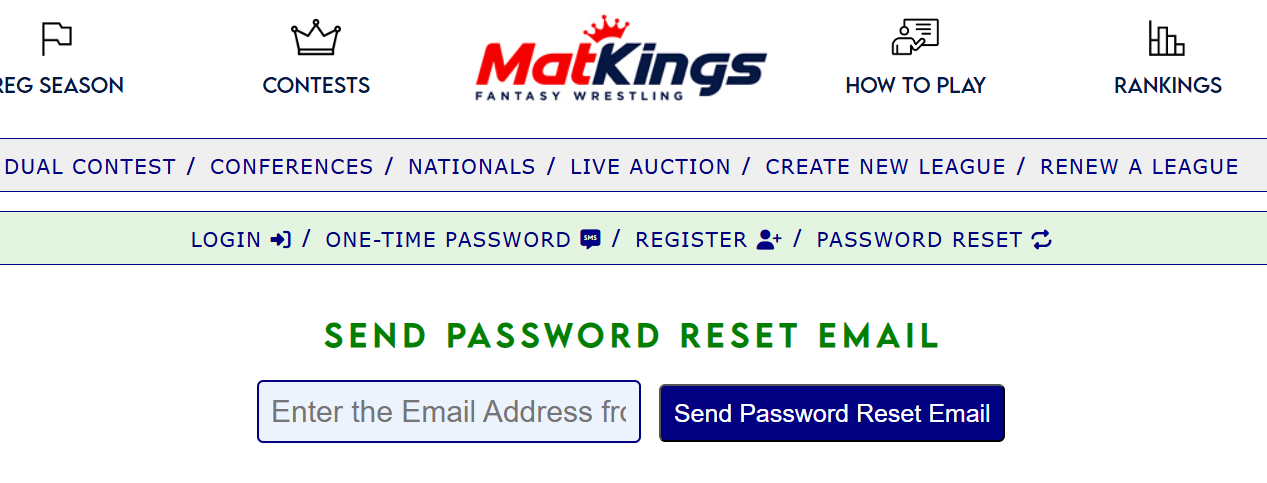 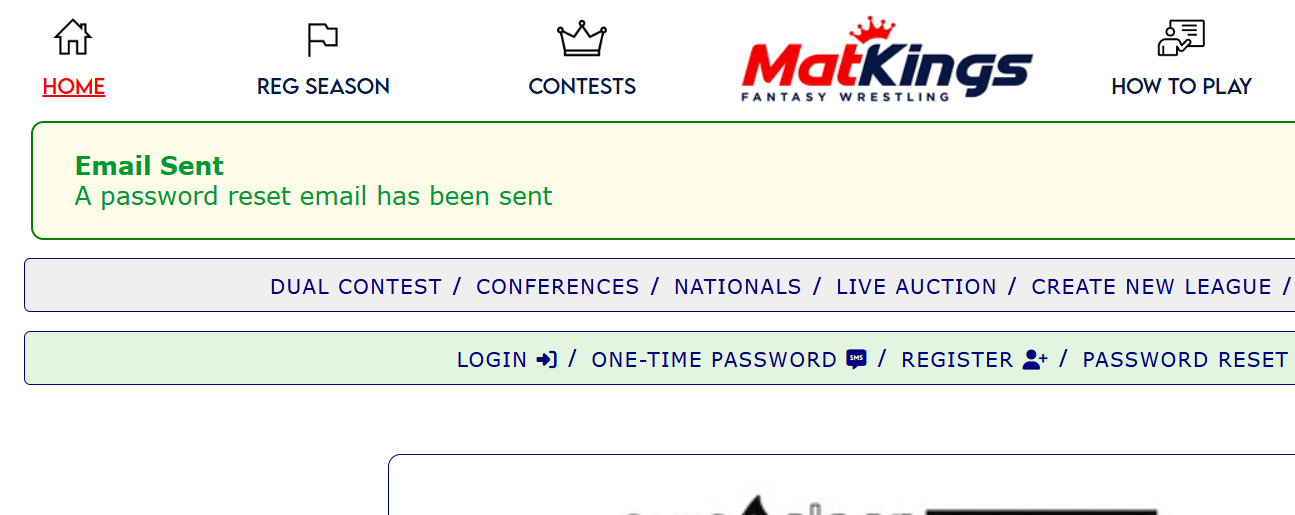 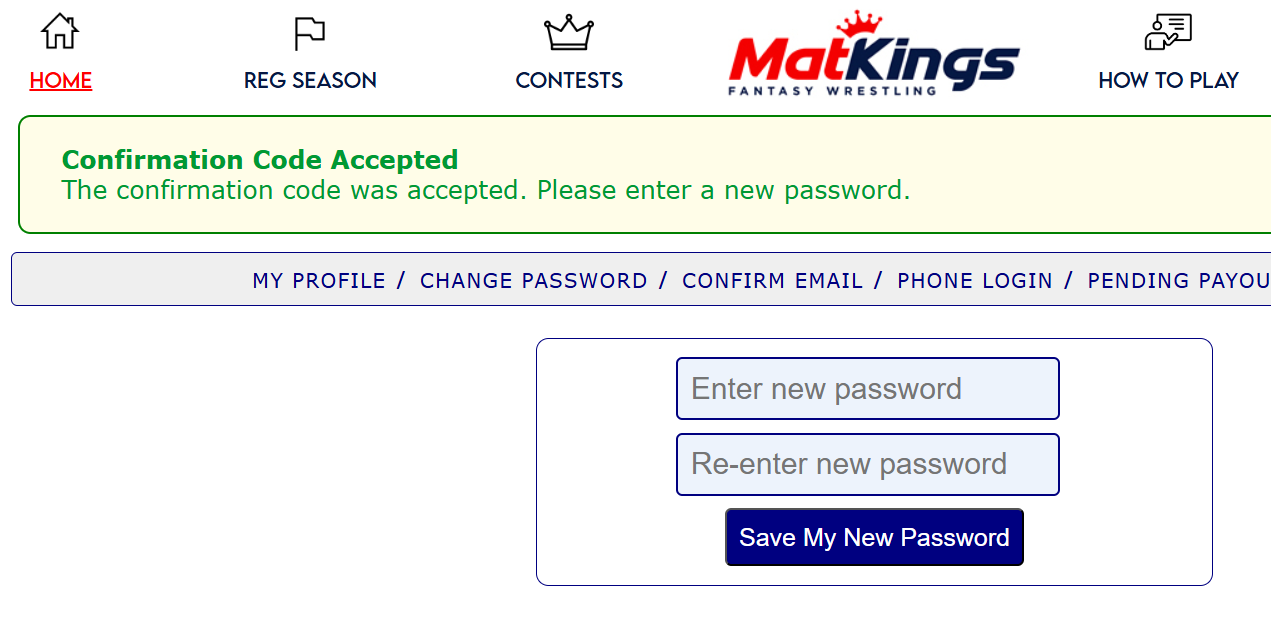 Can I log in with a one-time password?Detail: Yes we can send you a code to your email or phone which you can use to login with.Step 1:Click 'One-time Password' in the green menu bar. If you do not see the green menu bar then you are logged in already.Step 2:Enter either and email address or phone number. ** Phone numbers must be pre-verified to your account before using this option.Step 3:You will get an 6 digit code via email or SMS text message. Enter this in place of your password and you will be able to log in. The code only lasts for 5 minutes.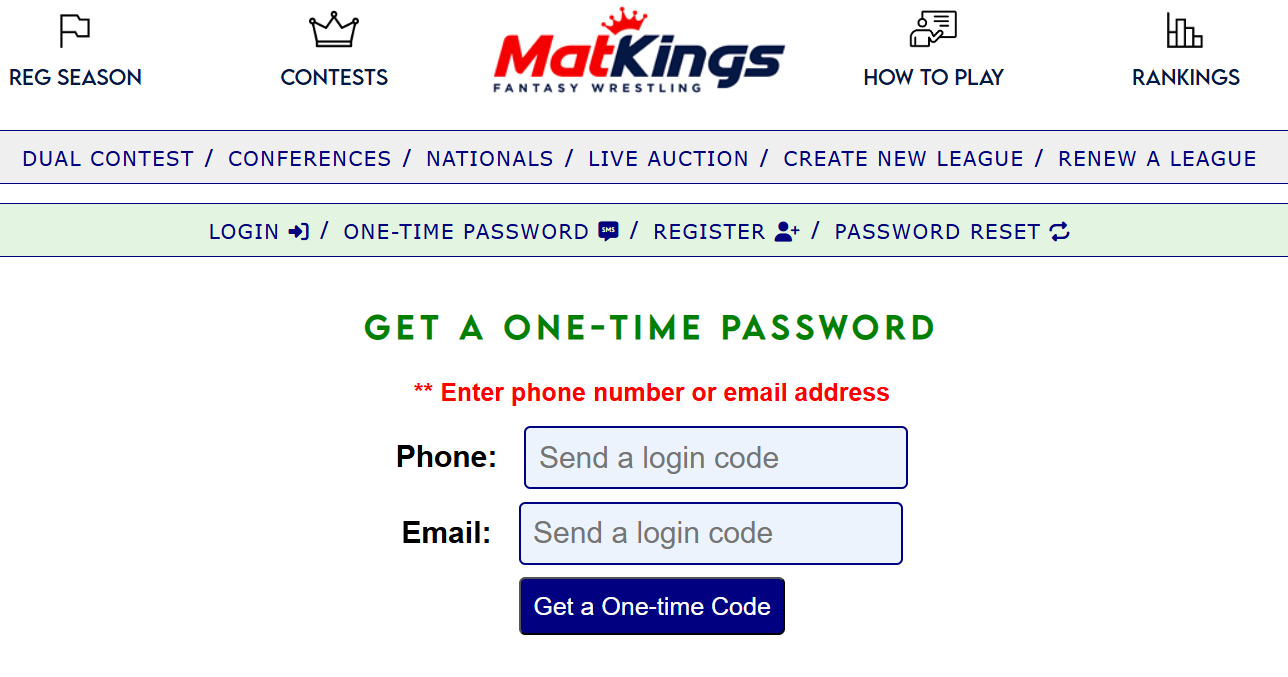 How do I register for an account?Detail:Step 1:Click 'Register' in the green bar. If you do not see the green bar then you are already logged in. To register a new account log out first.Step 2:Enter your email address and click Register. If your email address is in the correct format and you pass a third-party verification process you will receive an email with a link. You will be logged in at this point. Your username/password credentials will be sent to you which you can change later. You can now join or create leagues.Step 3:Click the link in the email to confirm your email address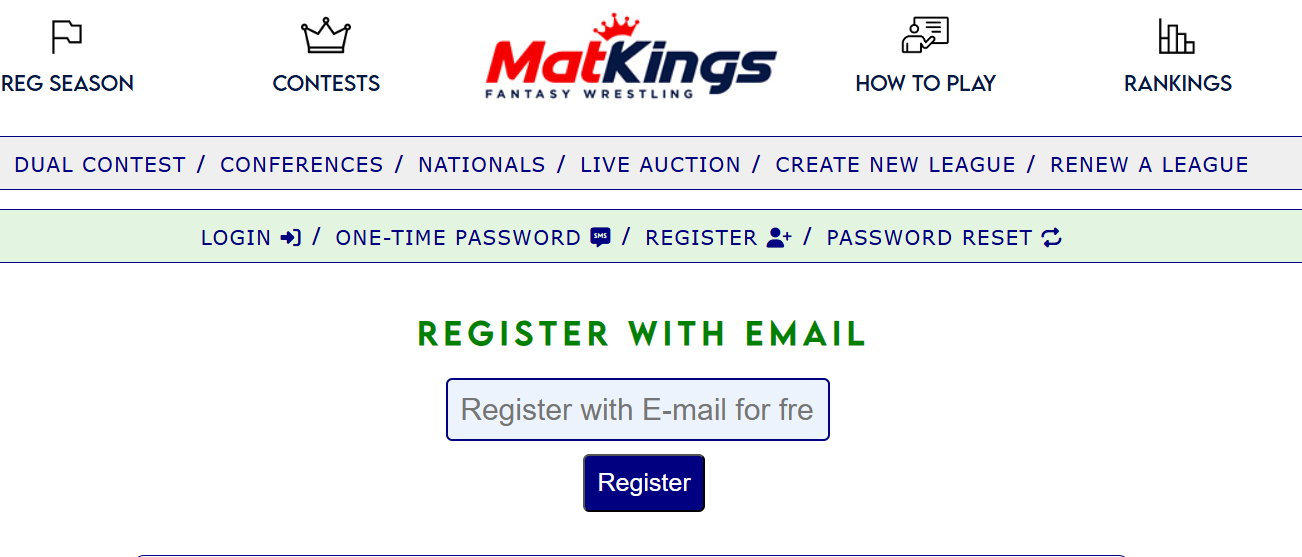 |